

Guide
Task Management
Manage async tasks like Midjourney image generation and Suno music generation
Manage the status and results of async tasks like Midjourney image generation and Suno music generation. Click "Tasks" in the left sidebar, or visit /console/task directly.
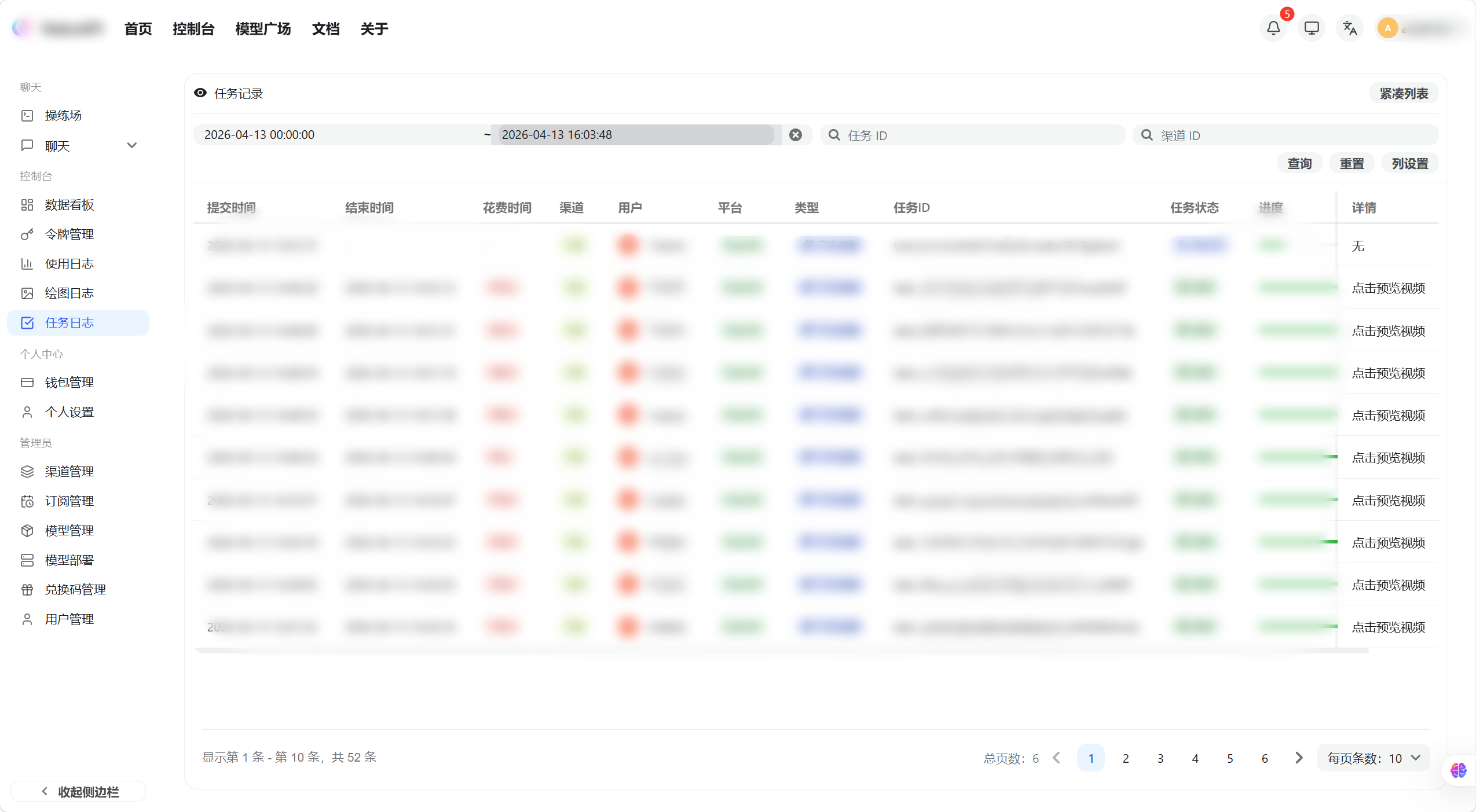
The task list shows all submitted async generation tasks with their task ID, type, status, submission time, and completion time.
Task status descriptions:
| Status | Description |
|---|---|
PENDING |
Task submitted, waiting to be processed |
IN_PROGRESS |
Task is currently generating |
SUCCESS |
Task complete — results available |
FAILURE |
Task failed — quota has been refunded automatically |
View Task Details
-
Find a task with
SUCCESSstatus in the list and click on that row -
The detail page shows the prompt, generated result (image or audio), and available actions
Midjourney Follow-up Operations
After a Midjourney task completes, you can perform follow-up operations directly on the detail page:
- U1 / U2 / U3 / U4: Upscale image 1 / 2 / 3 / 4 to generate a high-resolution version
- V1 / V2 / V3 / V4: Generate variations of image 1 / 2 / 3 / 4 with a similar style
Clicking a button automatically submits a new task — check the task list for progress.